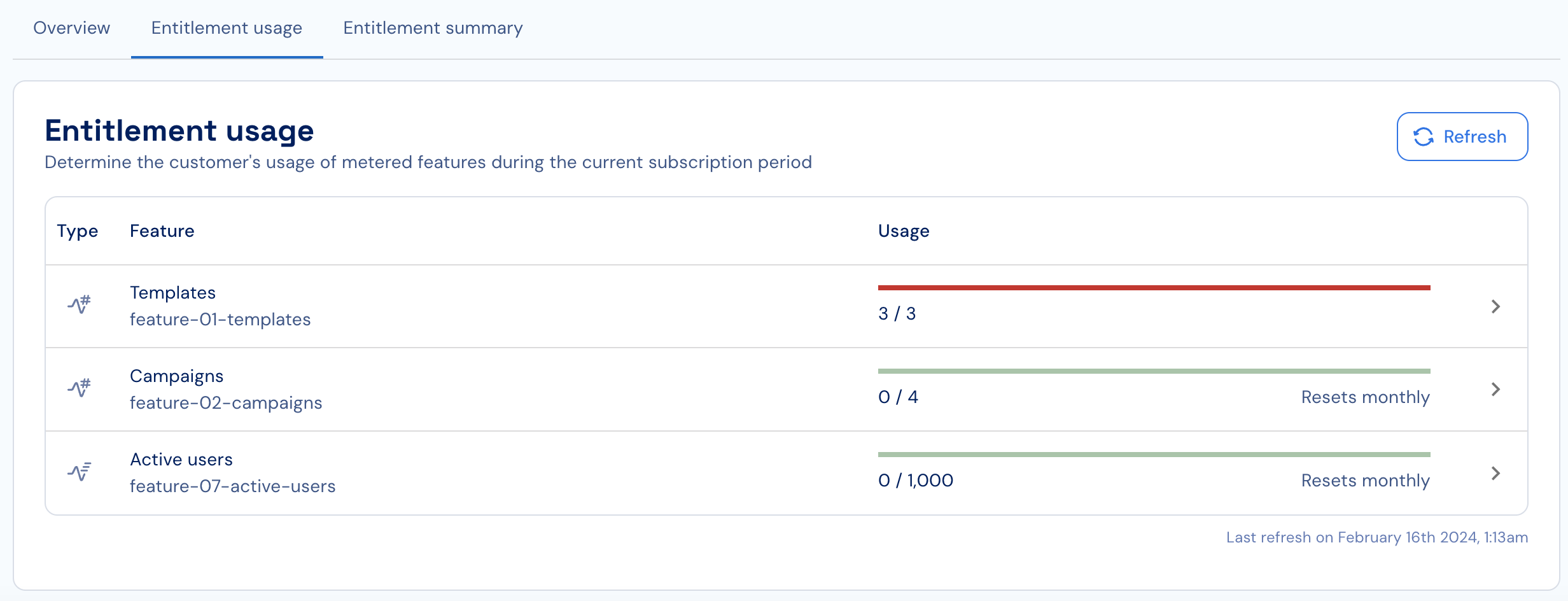
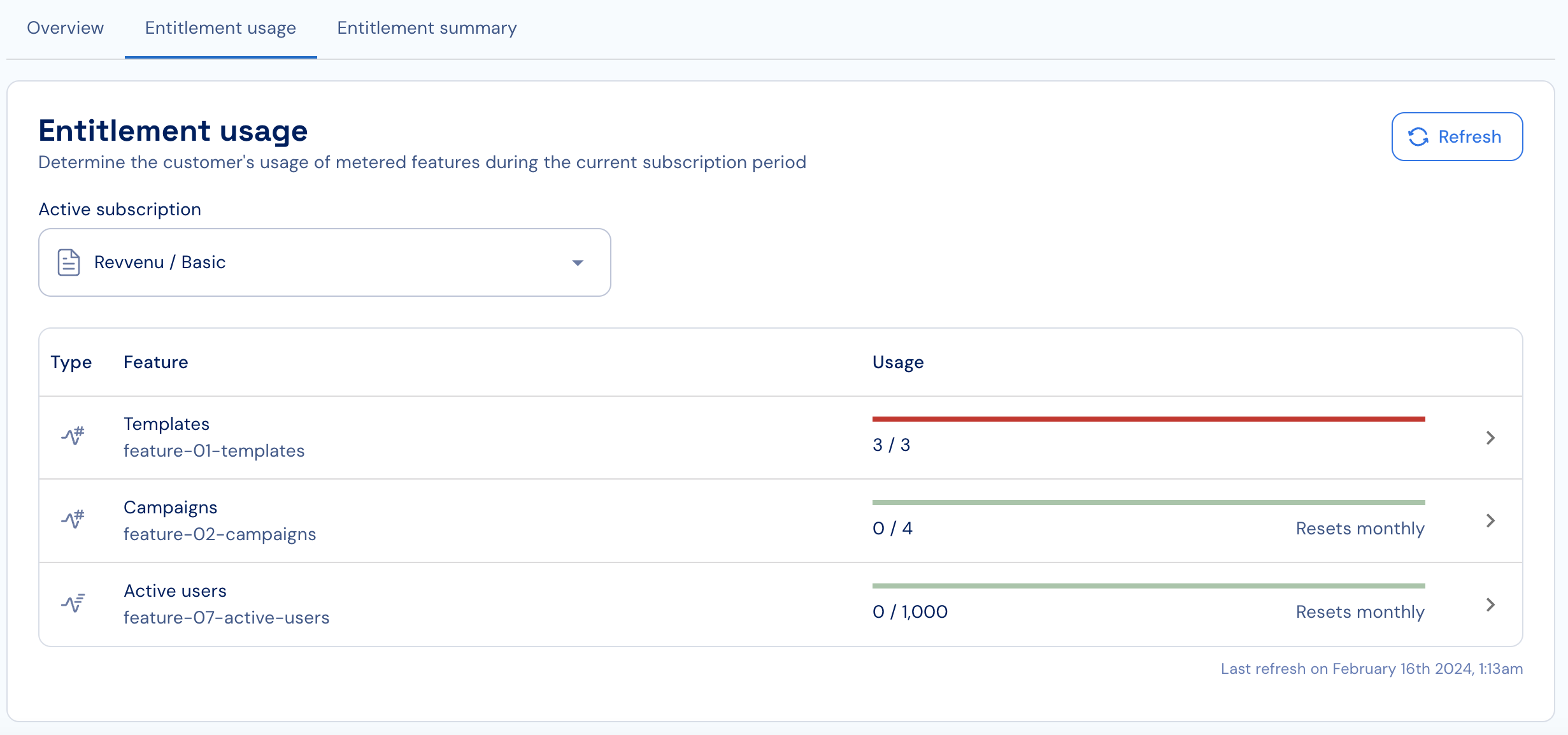
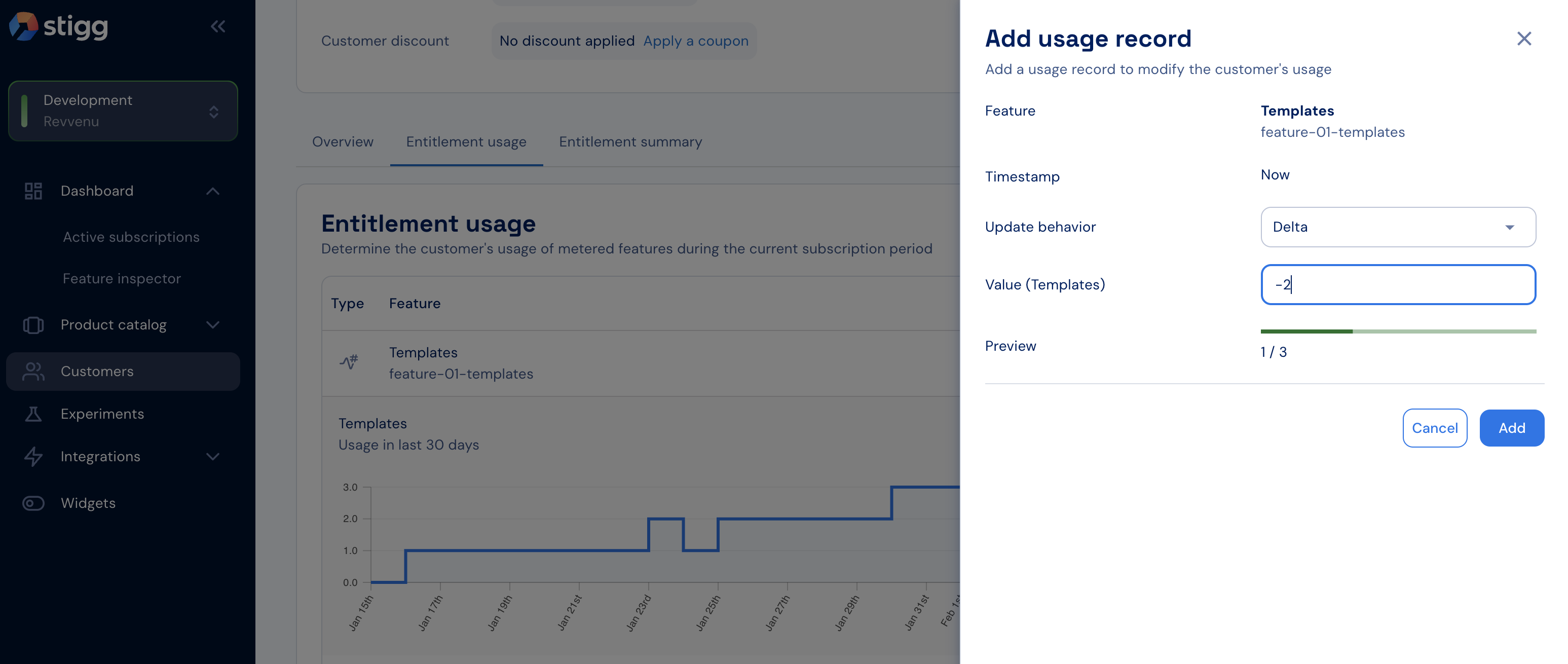
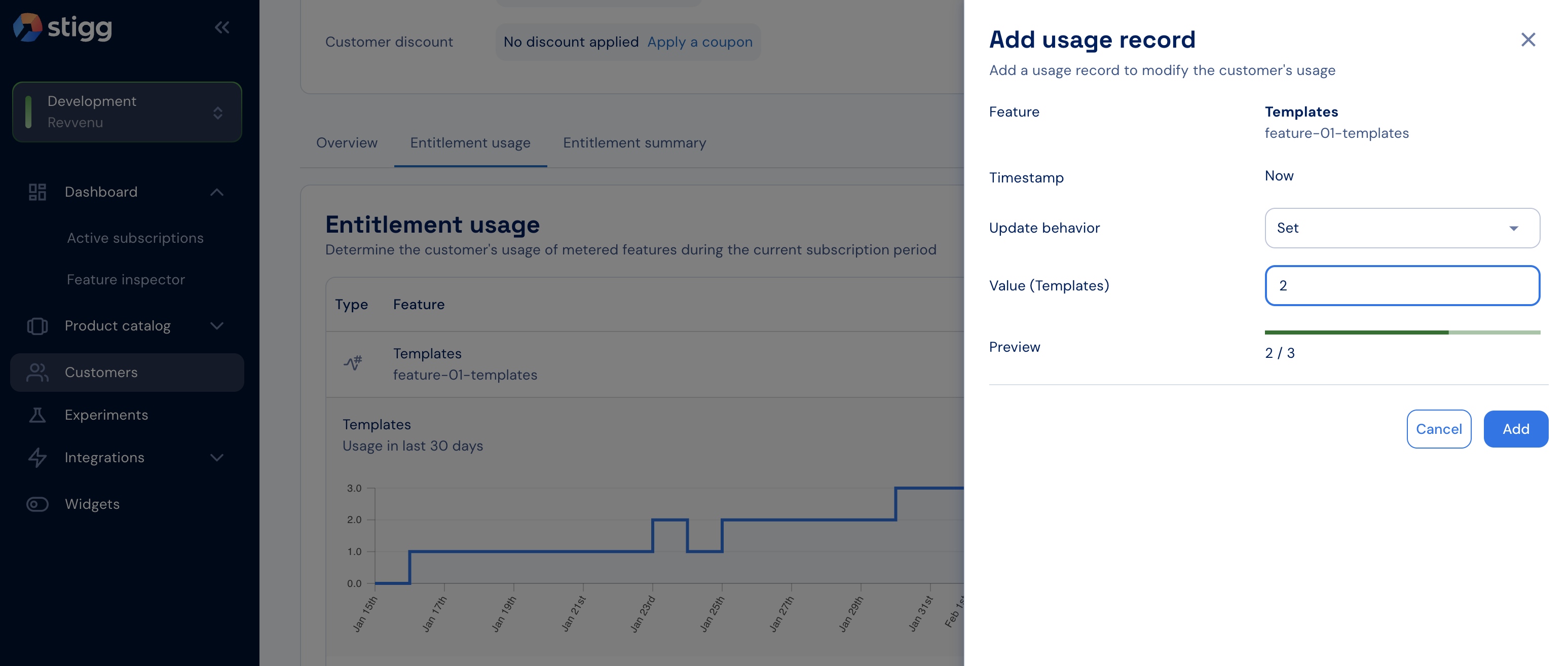
Open the Entitlement usage tab in the customer details screen to see current usage and historical usage over time.
Use this section to identify customers nearing their quota, exceeding it, or surpassing their allocated usage.
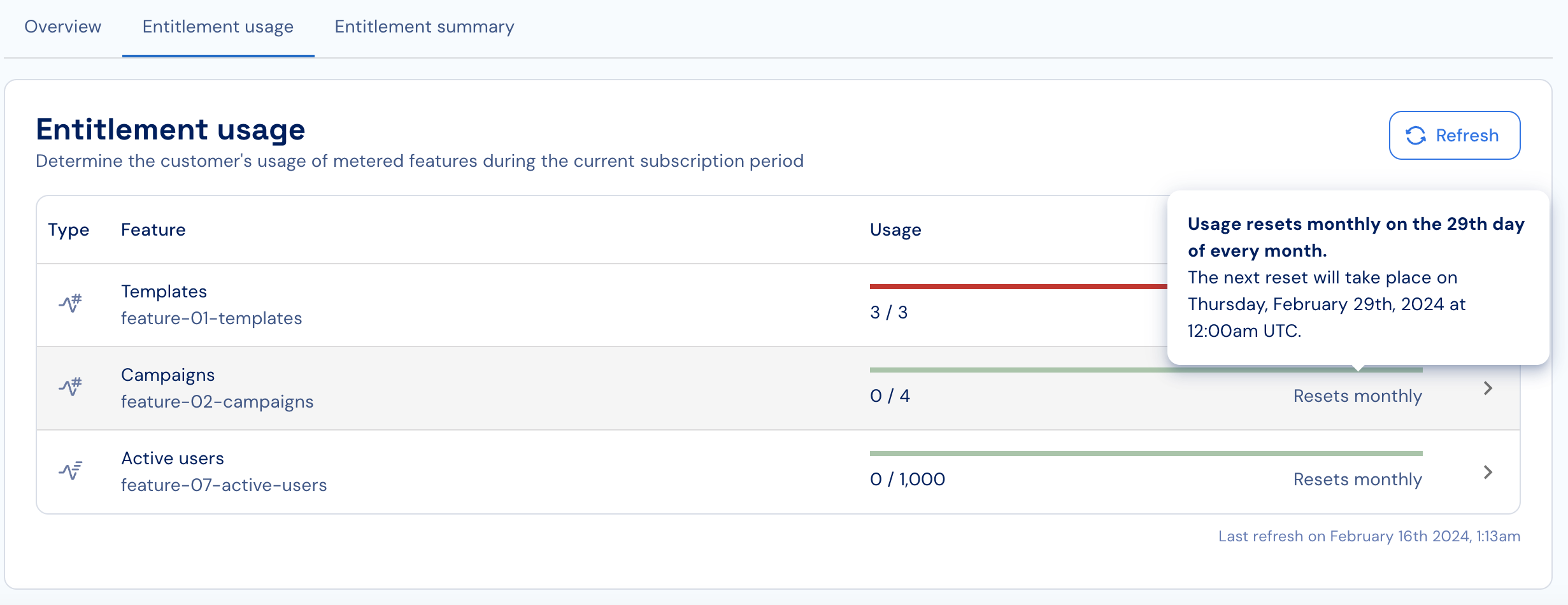
If automatic usage resets are enabled, review the visible reset period (monthly, weekly, etc.) and the upcoming reset date.
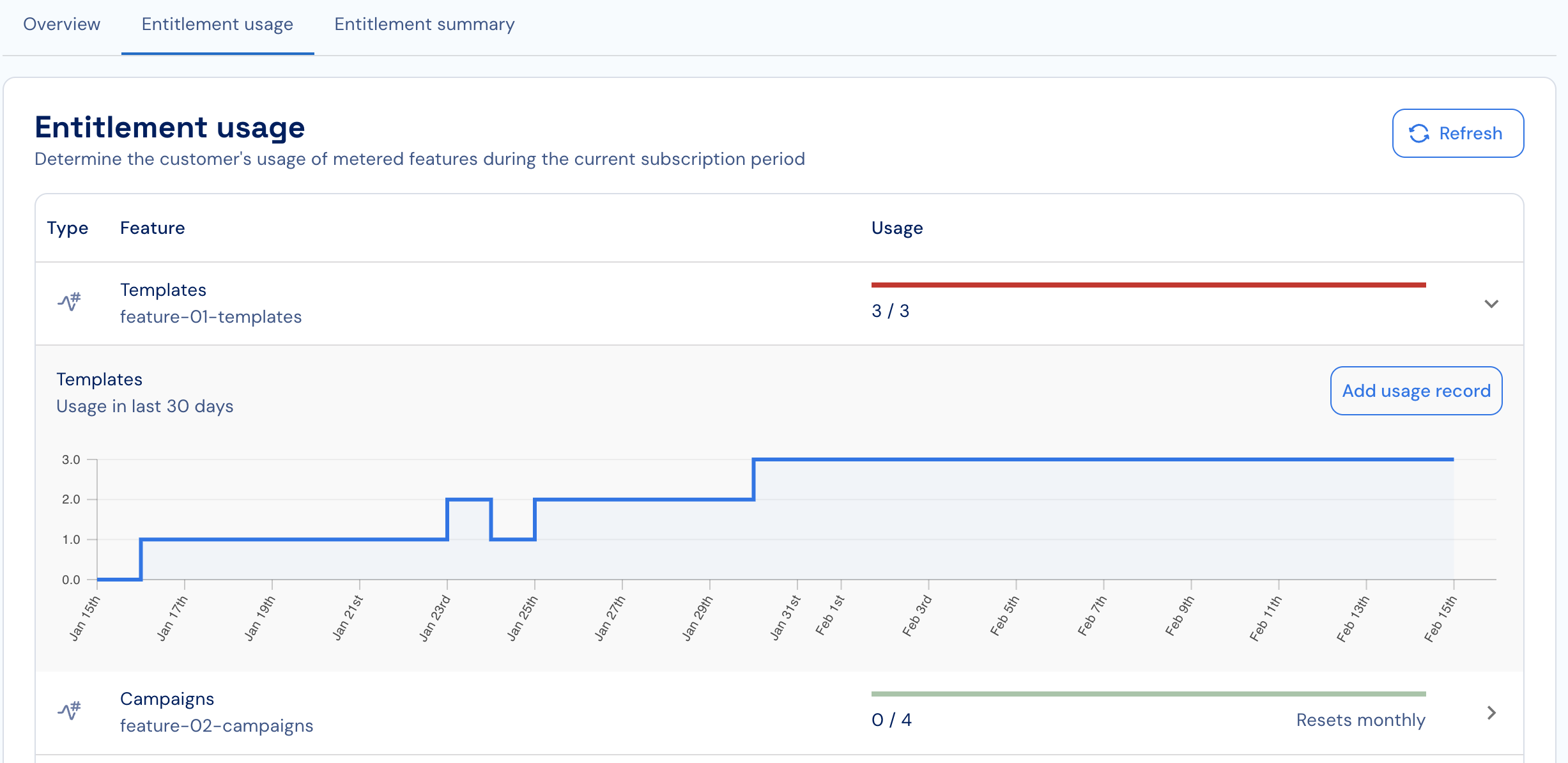
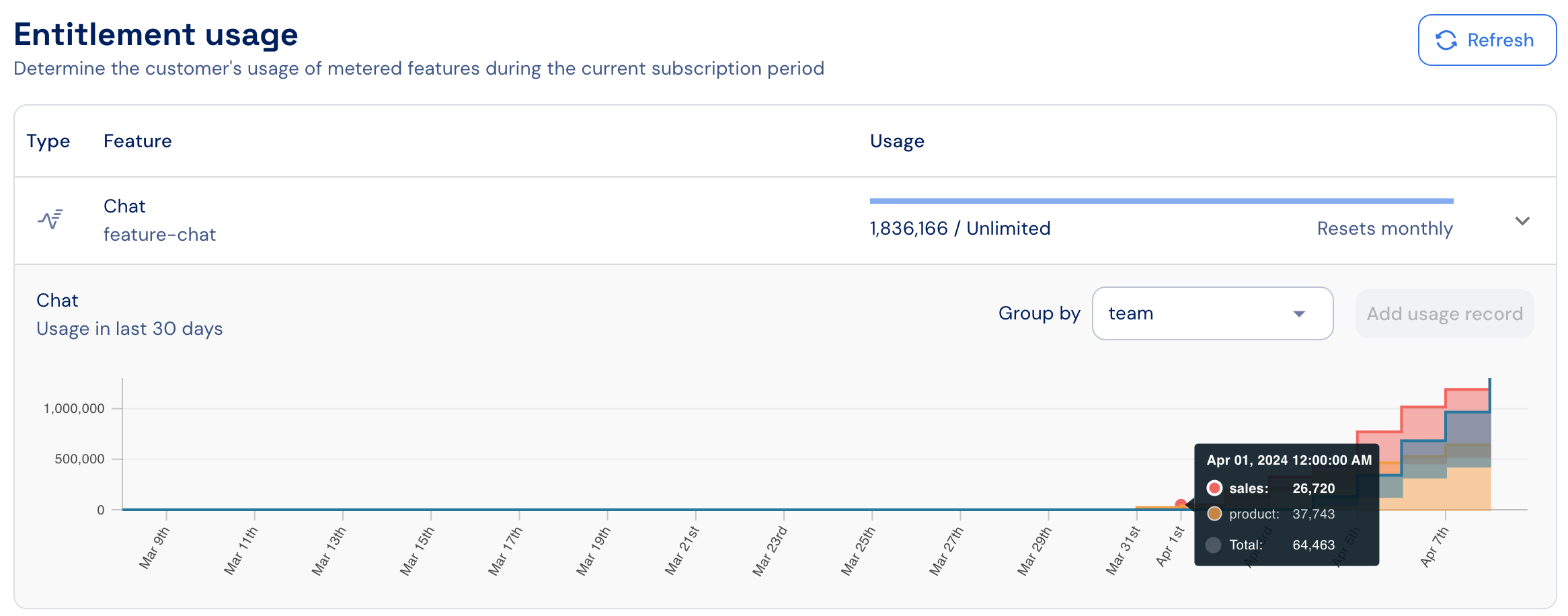
Review the usage-over-time chart to identify usage patterns.
Use the Group by dropdown to break down the chart by any dimension attached to your reported usage events (e.g., user, region, model). The dropdown includes a built-in search bar — type to quickly find the right dimension when your events carry many metadata keys.
When multiple active subscriptions exist, use the dropdown menu (top-left) to choose the relevant subscription.
When reporting usage programmatically, click Refresh to load the most up-to-date usage.