

- Feature entitlements - grant access or usage limits for boolean, configuration, or metered features.
- Credit entitlements - grant a recurring amount of credits to customers on a set cadence (monthly or yearly).
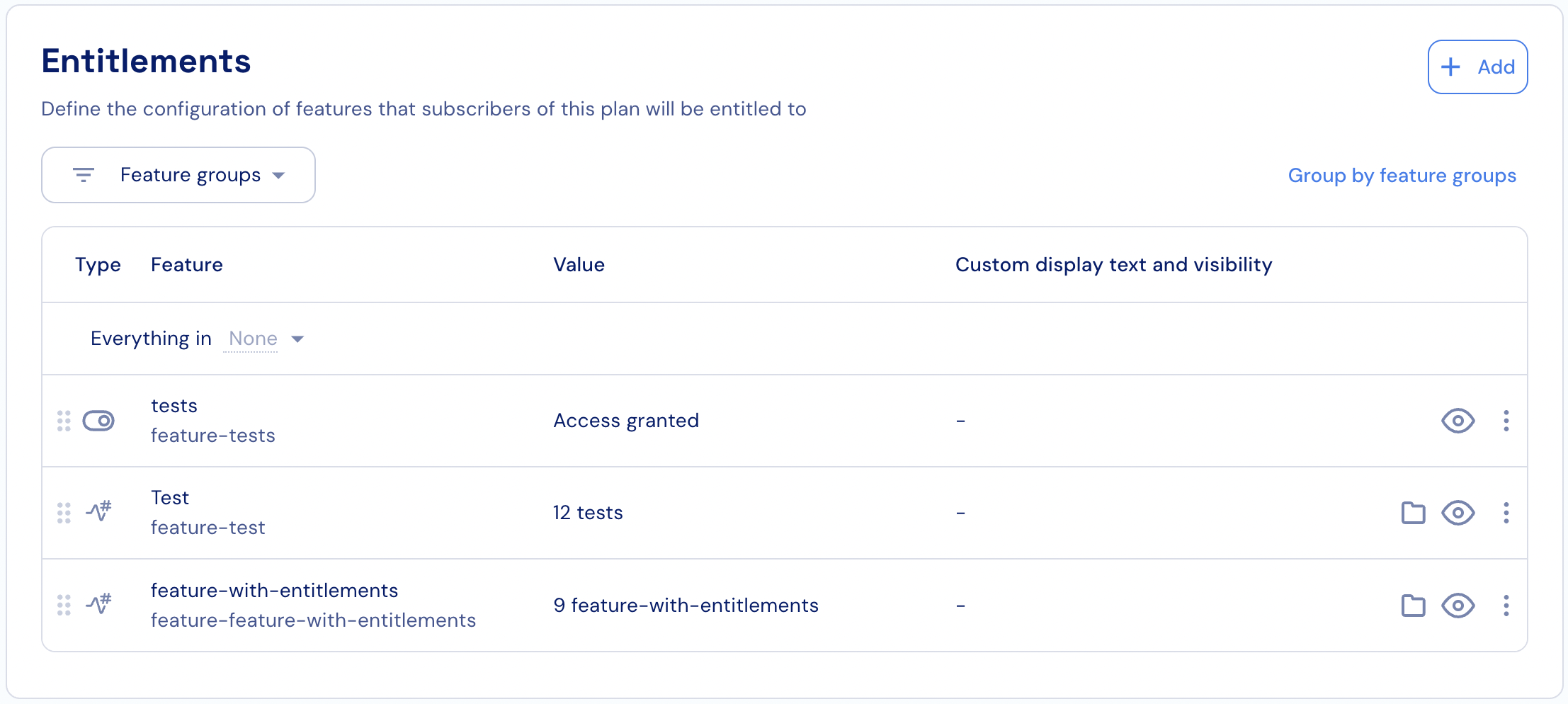
- Click the + Add button under the Entitlements section of the selected add-on.
- Search for the features or credit type you want to assign to the add-on and select it from the list.
- Apply the relevant configuration for the selected entitlement (see below).
- Click Add to confirm.