Overview
In order to future-proof your public website and application for price localization, it’s recommended to implement these changes as part of your initial integration with Stigg. Doing so will allow you to introduce and rollout changes to the price localization configuration, without requiring any additional code changes.Stigg does not automatically determine a customer’s billing currency. You are responsible for implementing the logic that resolves the correct
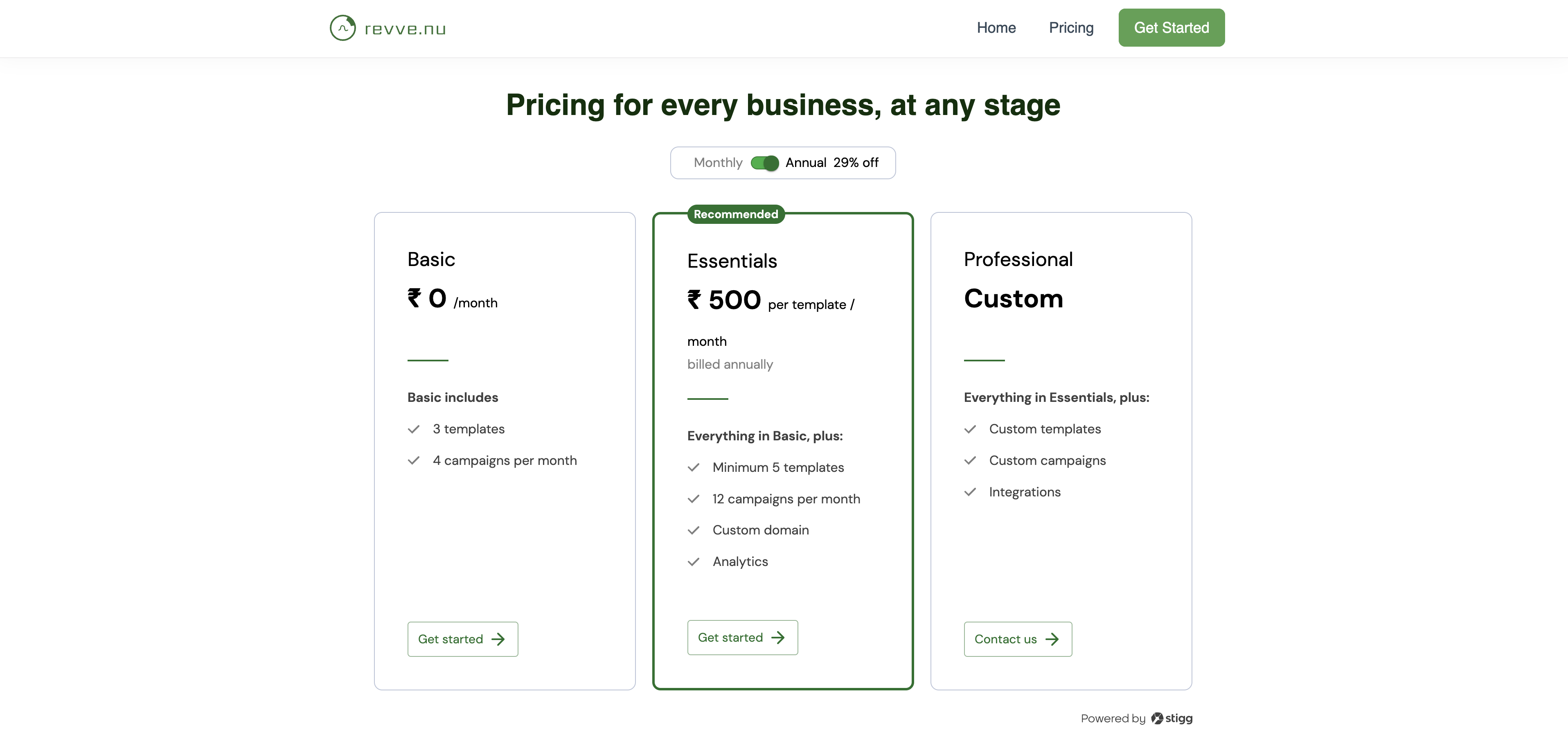
billingCountryCode for each customer and passing it to Stigg’s components and APIs.Common approaches include using the customer’s IP address (GeoIP), their billing address, or a currency preference they select during onboarding. Make sure to apply the same logic on both your public pricing page and in-app experiences - customers who see one currency before subscribing should not be surprised by a different currency afterward.Stigg also doesn’t maintain any country-to-region mapping - a localized price is matched against the billingCountryCode you send by an exact string comparison, nothing more. If you want to serve one shared price across a group of countries (for example, one EUR price for the eurozone using the EU code), your application is responsible for mapping each customer’s actual country to that shared code before calling any of the APIs below. See serving countries that pay in EUR.Visibility for localized prices in your public pricing page
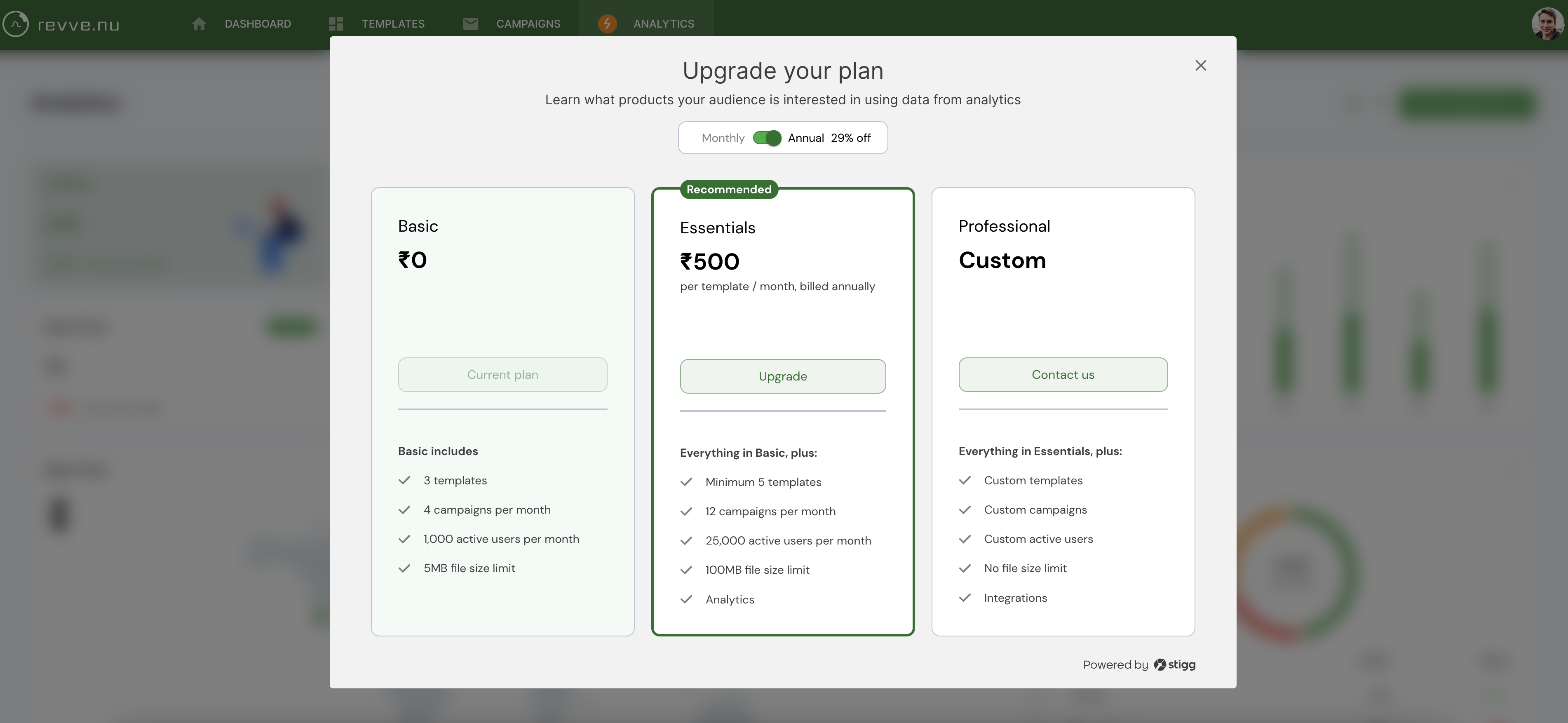
Visibility for localized prices in your in your application
In-app paywall
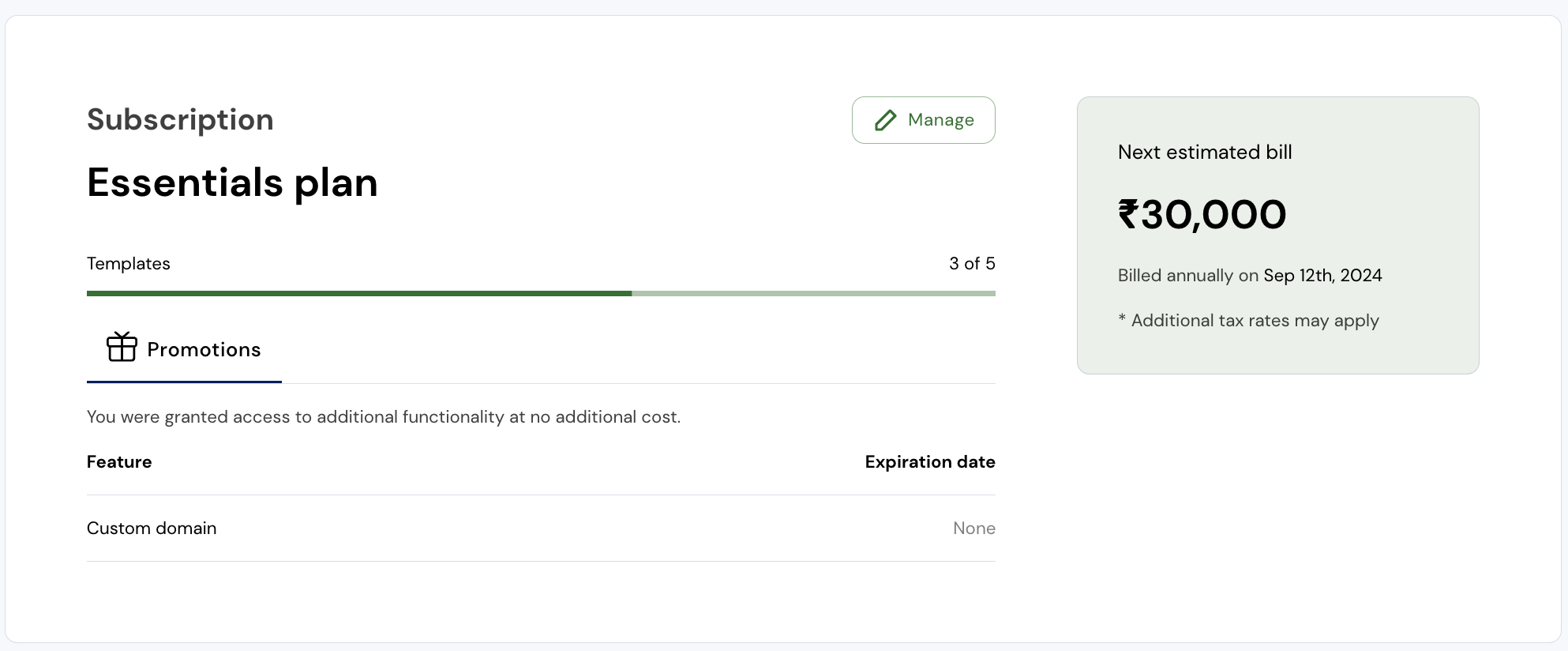
Customer portal
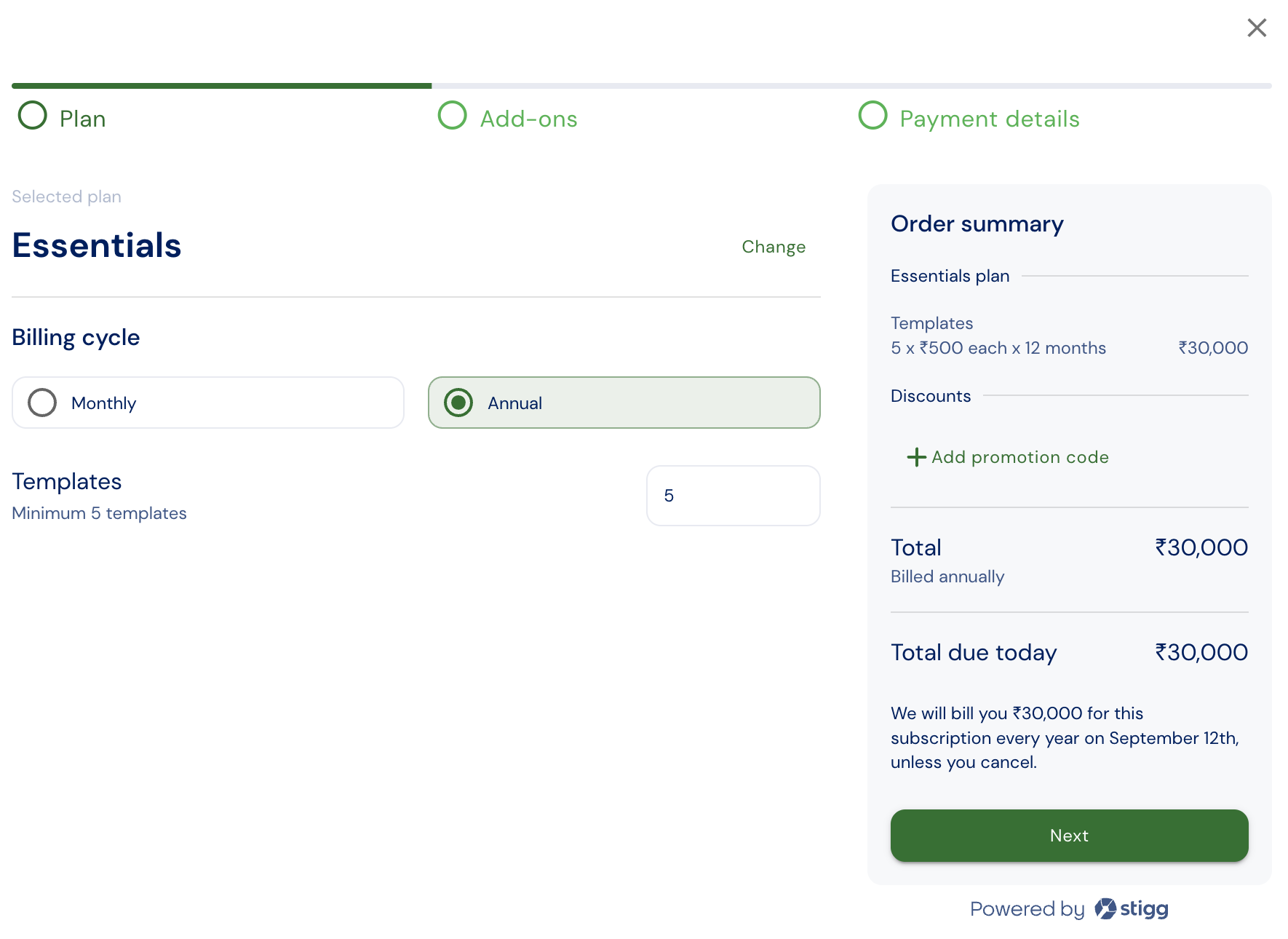
Checkout